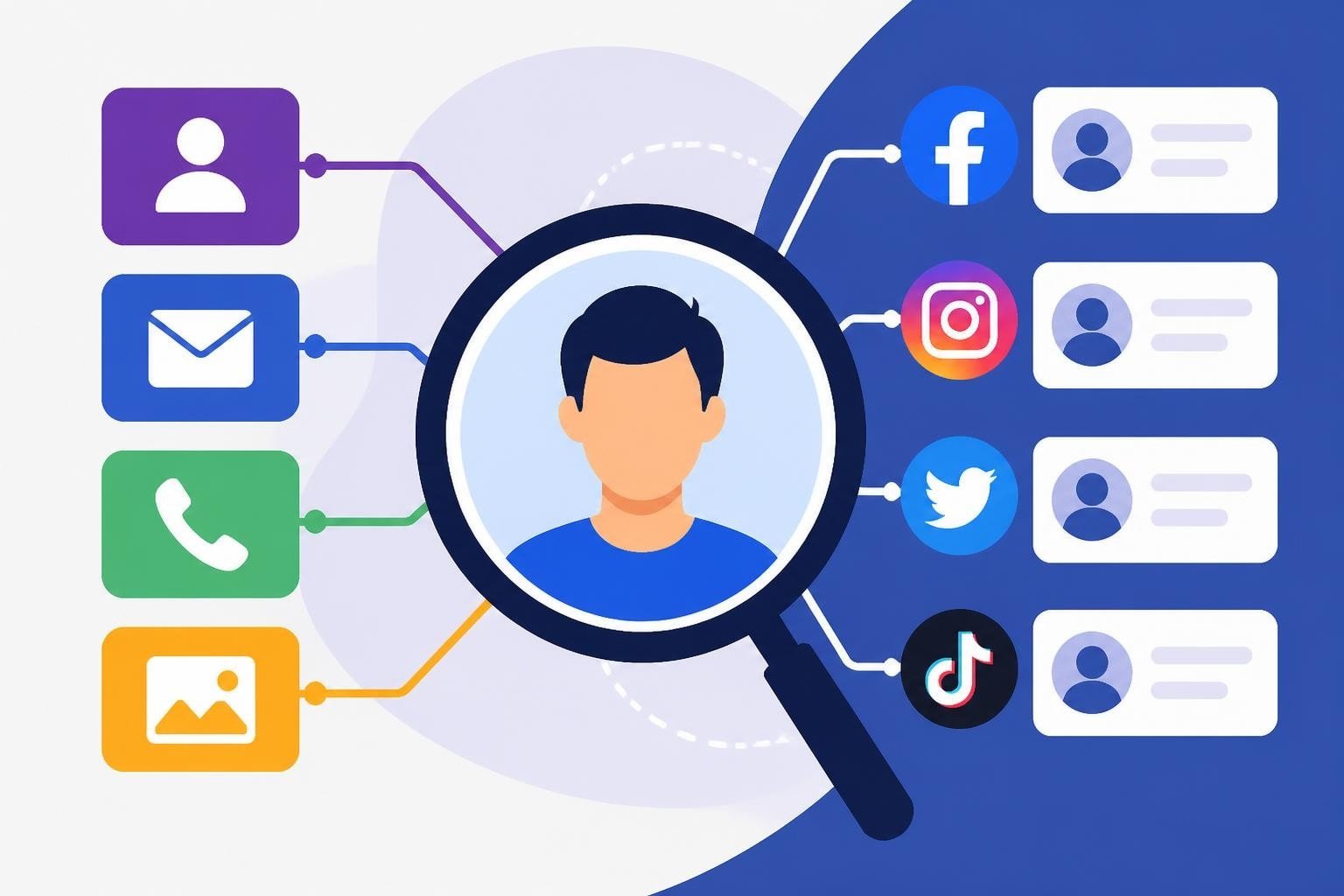
Finding someone's social media presence has become a critical skill for businesses, marketers, and individuals in 2026. Whether you're researching influencers for partnerships, verifying customer identities, or reconnecting with contacts, the ability to look up social media accounts efficiently can save hours of manual searching. With billions of active users distributed across dozens of platforms, knowing the right techniques and tools makes all the difference between a quick discovery and an endless search.
This comprehensive guide walks you through proven methods to locate profiles, understand platform-specific search features, and leverage both free and premium tools for account discovery. For those building their social presence, understanding search mechanics also helps optimize profile discoverability. To explore how leading growth providers handle account verification and targeting, you can compare social growth providers with live pricing across platforms.
Understanding Social Media Account Discovery
Social media platforms design their search functionality with two competing priorities: helping users connect while protecting privacy. Each network implements different discovery rules based on platform philosophy, regulatory requirements, and business models.
Platform search capabilities vary significantly:
- Public vs. private profiles: Privacy settings determine what information appears in search results
- Search indexing: Not all profiles are indexed by platform search or external search engines
- Authentication requirements: Some platforms require login to search, while others allow guest browsing
- API access levels: Developer tools offer programmatic search with specific rate limits and permissions
The official X developer documentation for user lookup provides detailed technical specifications for programmatic account discovery, including username-to-ID mapping and field availability. Understanding these technical foundations helps you choose the right approach for your specific needs.
Privacy and Legal Considerations
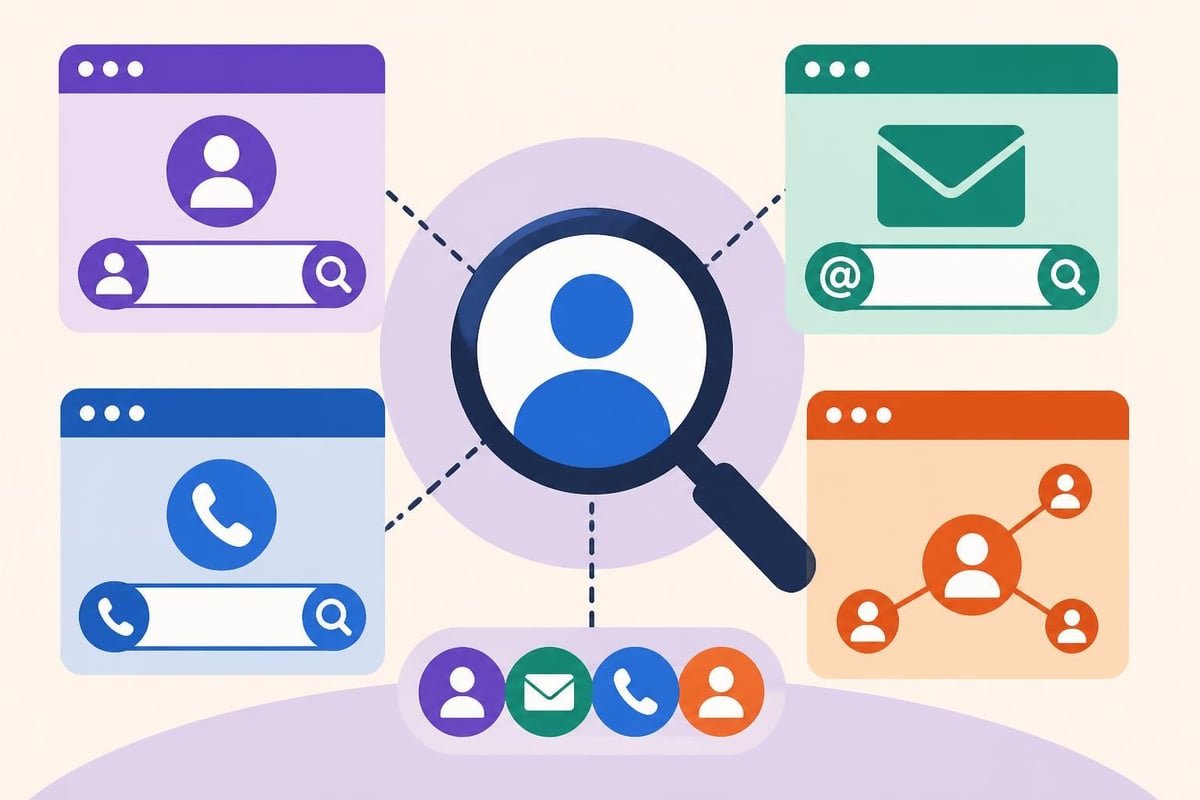
Before attempting to look up social media accounts, understand the ethical and legal boundaries. The NIST Digital Identity Guidelines establish federal frameworks for digital identity verification and risk-based identity proofing that inform platform policies.
Key compliance points:
- Respect platform Terms of Service regarding automated searching or scraping
- Understand anti-stalking and harassment laws in your jurisdiction
- Use discovered information only for legitimate business or personal purposes
- Verify account authenticity before taking action based on profile information
The FTC guidance on impersonation scams highlights the importance of verifying accounts to avoid fake profiles and fraudulent impersonators, particularly when making business decisions based on social media presence.
Platform-Specific Search Techniques
Each major social network offers unique search capabilities. Mastering platform-specific methods is essential to look up social media accounts efficiently.
X (Formerly Twitter)
X provides robust search functionality through both native interface and API access. The platform indexes public tweets and profiles, making discovery relatively straightforward for accounts with public settings.
Native search methods:
- Direct username search: Navigate to
x.com/usernameto access any public profile - Advanced search operators: Use
from:usernameto find tweets from specific accounts - People tab filtering: Filter search results specifically for accounts matching keywords
- Email/phone lookup: X's "Find friends" feature can match uploaded contacts to accounts
For developers and automation needs, the X API provides programmatic user lookup with various endpoints supporting batch queries, username resolution, and profile field retrieval with specific rate limits.
Instagram limits search functionality to protect user privacy, particularly for non-business accounts. The platform requires login for most search activities.
Search approaches:
- Username search: Type
@usernamein the search bar or visitinstagram.com/username - Name search: Find accounts by display name, though results may be extensive
- Business Discovery API: The Instagram Graph API Business Discovery allows approved apps to programmatically discover public business and creator accounts
- Hashtag and location: Find accounts through content rather than direct profile search
Instagram intentionally restricts email and phone number search to prevent unwanted contact and harassment. Business accounts gain additional discoverability features through the platform's commercial tools.
LinkedIn balances professional networking needs with privacy protection. Search capability varies dramatically based on your account type and connection level.
| Account Type | Search Capability | Monthly Limits |
|---|---|---|
| Free | 1st-degree search, limited 2nd/3rd | ~100 commercial searches |
| Premium | Extended network search | 500-1000 (tier-dependent) |
| Sales Navigator | Advanced filters, saved searches | Custom limits |
| Recruiter | Full database, InMail integration | Enterprise volume |
The LinkedIn Profile API documentation explains programmatic profile lookup and people search capabilities for developers building integrated tools. LinkedIn strictly enforces automation policies, making official API integration the only compliant programmatic approach.
Facebook's search functionality has evolved to prioritize privacy while maintaining discoverability for public figures and businesses.
Discovery methods:
- Search by name, email, or phone (if the user allows discovery through these methods)
- Use mutual friends to navigate extended networks
- Search within groups and communities for active members
- Utilize business pages and public figures' verified profiles
Facebook's privacy settings give users granular control over search discoverability, including who can find them via email/phone and whether their profile appears in external search engines.
Username and Handle Search Strategies
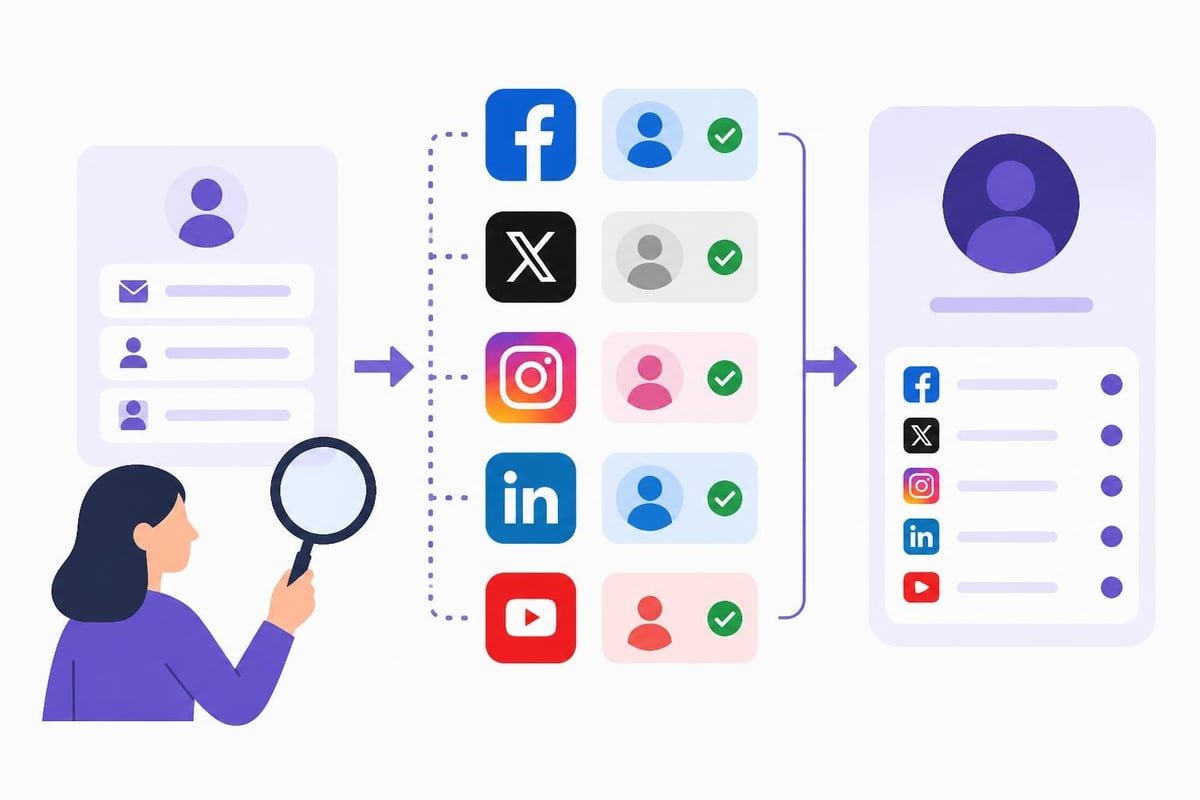
Usernames serve as the primary identifier across most platforms. Many users maintain consistent handles across networks, making username-based discovery highly effective to look up social media accounts.
Username Consistency Patterns
Most users fall into predictable username patterns based on personal preference, availability, and platform joining order.
Common patterns include:
- Exact consistency: Same username across all platforms (firstname.lastname, brandname, etc.)
- Minor variations: Adding numbers, underscores, or platform-specific suffixes when preferred name is taken
- Platform-specific: Different usernames chosen based on platform culture or availability at signup time
- Evolution: Older platforms may have outdated usernames changed before the user standardized
When you discover one account, immediately check the same username on other major platforms. Many users claim their preferred handle across networks even if they don't actively use all accounts.
Reverse Username Search Tools
Specialized tools aggregate username availability and existing accounts across multiple platforms simultaneously.
Popular username search services:
- Namechk: Checks username availability across 100+ platforms
- Knowem: Scans 500+ social networks, domain availability, and trademarks
- Namecheckr: Visual interface showing which platforms have claimed usernames
- Social Searcher: Real-time username mentions and profile discovery
These tools save significant time when you need to look up social media accounts comprehensively. They typically work by querying each platform's public profile URL pattern (e.g., platform.com/username) and checking for valid responses.
Email and Phone Number Discovery
Contact information provides another powerful vector for account discovery, though platform policies increasingly restrict this method to protect user privacy.
Email-Based Search
Fewer platforms now allow direct email search, but the method remains effective where available.
Platforms supporting email lookup (with privacy restrictions):
- Facebook: If user privacy settings permit, email search returns matching profiles
- LinkedIn: Email matching works for connection requests and invitations
- Pinterest: Email search available to logged-in users
- Snapchat: Add by email if user allows discovery
Most platforms now require the searcher to have the email address in their contact list or for the target user to explicitly enable email-based discovery in privacy settings.
Phone Number Search
Similar restrictions apply to phone-based discovery. Platforms that once offered open phone search have largely disabled the feature following privacy concerns and regulatory pressure.
Current phone search landscape:
- WhatsApp automatically identifies contacts with accounts when you sync phone numbers
- Telegram matches phone numbers from your contact list
- Facebook and Instagram restrict phone search based on user privacy preferences
- Snapchat allows adding by phone number if discovery is enabled
When building audiences for marketing purposes, services like social media marketing help businesses reach target demographics without requiring individual account lookups, using platform-compliant targeting methods instead.
Reverse Image Search Methods
Visual content provides unique fingerprints for identity discovery. Reverse image search can locate social media accounts when usernames and contact information are unknown.
How Reverse Image Search Works
Upload or provide a URL for a profile picture, and search engines identify where else that image appears online. This works because many users reuse profile photos across platforms.
Primary reverse image tools:
| Tool | Strengths | Best For |
|---|---|---|
| Google Images | Largest index, wide platform coverage | General purpose, broad search |
| TinEye | Oldest index, tracks image history | Finding original source, oldest use |
| Yandex Images | Strong for faces, non-Western content | People search, international profiles |
| Bing Visual Search | Good integration with social platforms | Microsoft ecosystem, LinkedIn |
Step-by-step process:
- Save the profile image from one known account
- Upload to reverse image search engine
- Review results for matching images on other platforms
- Verify identity by comparing profile information and content
- Document located accounts for comprehensive profile
The recent research on identity linkage methods explores advanced techniques combining visual, textual, and behavioral signals to link accounts across platforms, demonstrating both the capabilities and limitations of current approaches.
Advanced Search Operators and Techniques
Power users can leverage advanced search syntax to look up social media accounts with greater precision and efficiency.
Google Search Operators for Social Discovery
Google's search operators allow targeted queries that surface social media profiles even when platform native search fails.
Effective operators:
site:linkedin.com "John Smith" Chicago– Limits results to LinkedIn profiles for people named John Smith in Chicagosite:twitter.com @username– Finds Twitter/X mentions and profile pages"email@domain.com" OR "phone number" site:facebook.com– Searches Facebook for contact informationinurl:instagram.com/username– Directly checks for Instagram profile existence
Combining operators creates powerful queries: site:pinterest.com "crafts" "Seattle" inurl:username finds Pinterest users posting about crafts from Seattle.
Platform-Specific Advanced Search
Many platforms offer advanced search interfaces with filtering capabilities beyond basic keyword entry.
X (Twitter) Advanced Search filters:
- Date ranges for account creation or tweet publication
- Engagement thresholds (minimum likes, retweets, replies)
- Language and location restrictions
- Verified account filters
- Sentiment analysis (positive, negative, neutral)
LinkedIn advanced filters (Premium/Sales Navigator):
- Company size and industry
- Job title and seniority level
- Geographic location (current and past)
- Education background
- Years of experience in specific roles
These filters help narrow results when looking up social media accounts in competitive fields or common names where basic search returns hundreds of potential matches.
Verification and Authentication
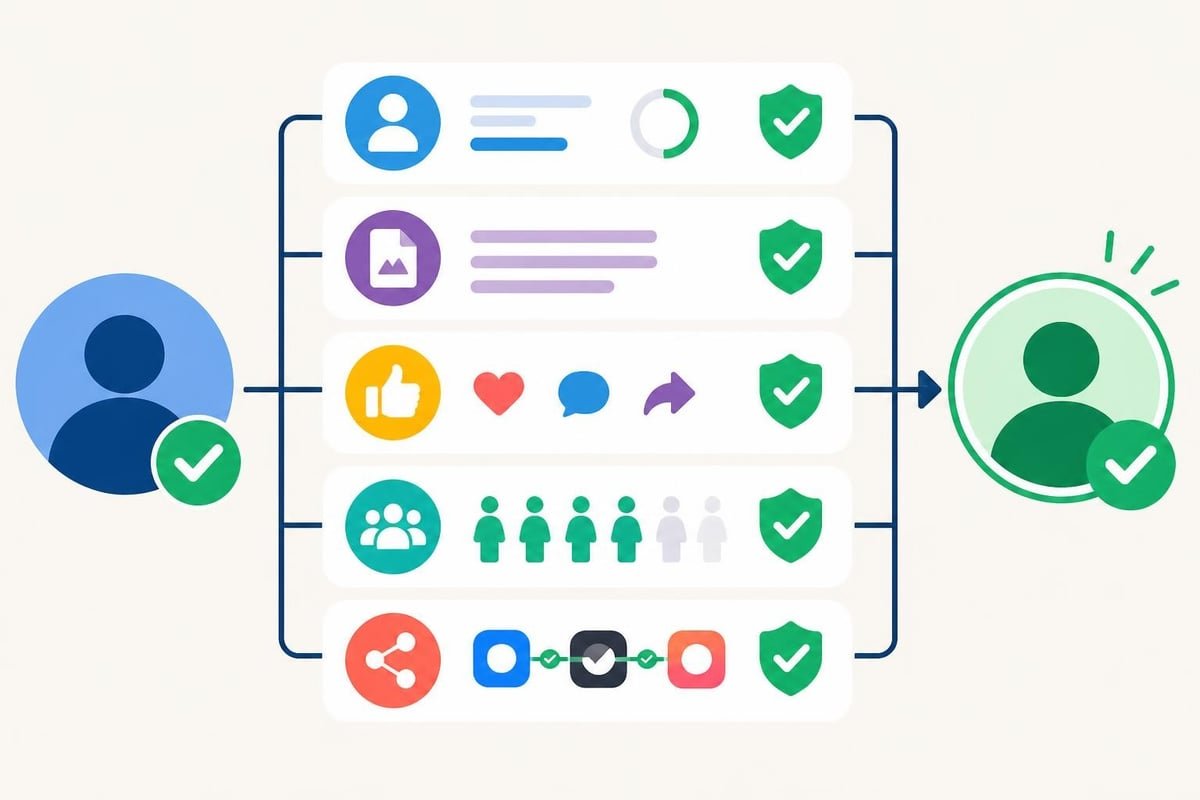
Once you locate potential accounts, verification ensures you've found the correct person or brand. Fake accounts, impersonators, and inactive profiles can waste time or mislead business decisions.
Profile Verification Indicators
Each platform implements verification differently, but common trust signals exist across networks.
Universal trust indicators:
- Verified badges: Blue checkmarks, gold badges, or official verification marks from the platform
- Account age: Older accounts with consistent activity suggest authenticity
- Follower patterns: Organic follower growth patterns vs. sudden spikes indicating purchased followers
- Engagement rates: Comments, likes, and shares proportional to follower count
- Content consistency: Regular posting schedule and cohesive theme or brand voice
Red flags for fake or inactive accounts:
- Profile created recently with high follower count but minimal posts
- Generic profile images or stock photography
- Inconsistent personal information across platforms
- No engagement on posts despite large follower numbers
- Suspicious follower accounts (bots, fake profiles, irrelevant accounts)
Cross-Platform Consistency Checks
Legitimate users typically maintain consistent information across platforms. Discrepancies may indicate imposters or outdated profiles.
Elements to verify:
- Profile photos: Same or related images used across platforms
- Bio information: Consistent employer, location, and personal details
- Link backs: Accounts linking to each other (Instagram in Twitter bio, etc.)
- Content cross-posting: Same content shared across multiple platforms
- Timestamps: Activity patterns matching across accounts (time zones, posting schedules)
Building a verification checklist streamlines the process when you regularly look up social media accounts for business purposes. Document your findings in a standardized format to compare accounts efficiently.
Tools and Software for Account Discovery
Specialized tools automate and accelerate the account discovery process, particularly valuable for agencies, researchers, and businesses needing to locate multiple accounts regularly.
Free Discovery Tools
Several no-cost options provide basic account lookup functionality suitable for occasional searches.
- Social Searcher: Free tier includes real-time mentions, username search across platforms
- Followerwonk: Twitter/X account discovery and bio search (limited free searches monthly)
- Pipl: People search aggregating social media presence alongside other online footprints
- Hunter.io: Email finding tool that often surfaces associated social accounts
Free tools typically impose search limits, restrict advanced features, or monetize through advertising. They work well for individual searches but scale poorly for bulk lookups.
Premium OSINT Platforms
Professional open-source intelligence (OSINT) platforms offer comprehensive account discovery with advanced features, API access, and bulk processing.
Enterprise-grade options:
| Platform | Key Features | Typical Pricing |
|---|---|---|
| Maltego | Graph visualization, transform automation | $999-$1,899/year |
| SpiderFoot | Automated reconnaissance, 100+ modules | $295/year (personal) |
| Social Links | Deep social media analysis, export reports | Custom enterprise |
| BrandMentions | Brand monitoring, sentiment analysis | $99-$299/month |
These platforms integrate multiple search methods (username, email, phone, image) into unified workflows. They're particularly valuable for competitive intelligence, influencer research, and compliance investigations where comprehensive profiles are essential.
Browser Extensions and Automation
Browser extensions simplify repetitive lookup tasks by adding functionality directly to your web browser.
Useful extensions:
- Instant Data Scraper: Extract profile information from search results automatically
- Social Revealer: Shows hidden social media links on websites and email signatures
- RocketReach: Finds email addresses and social profiles for professionals
- ContactOut: Exports LinkedIn contact information including social handles
Browser automation tools like Selenium or Puppeteer enable custom scripts to look up social media accounts programmatically, though they must comply with platform Terms of Service regarding automation.
Best Practices for Efficient Account Discovery
Systematic approaches dramatically improve efficiency when you need to look up social media accounts regularly.
Creating a Search Workflow
Standardized processes ensure consistent results and prevent missed platforms.
Recommended workflow steps:
- Gather initial information: Compile all known details (name, location, employer, email, phone, existing account)
- Prioritize platforms: Focus on networks most relevant to your purpose (professional = LinkedIn, visual = Instagram)
- Start with known accounts: Use verified profiles to find links and usernames for other platforms
- Search systematically: Check each platform methodically rather than randomly
- Document findings: Record discovered accounts, verification status, and search methods used
- Verify authenticity: Apply verification checklist before finalizing results
- Monitor for changes: Set up alerts if ongoing tracking is needed
This workflow transforms account discovery from scattered searching into repeatable process that scales efficiently.
Time-Saving Tips
Small optimizations compound into significant time savings over multiple searches.
Efficiency techniques:
- Build template searches: Save complex search operators for repeated use
- Use keyboard shortcuts: Master platform-specific shortcuts for rapid navigation
- Browser profiles: Maintain logged-in sessions across multiple browsers for simultaneous platform searches
- Bookmark tools: Quick-access bookmarks for frequent discovery services
- Batch processing: Group similar searches together rather than one-off lookups
For marketing teams managing growth campaigns, understanding account discovery mechanics helps optimize targeting. Platforms offering organic views and engagement services leverage similar discovery techniques to match services with appropriate accounts while maintaining platform compliance.
Industry-Specific Applications
Different sectors have unique needs when they look up social media accounts, requiring specialized approaches and considerations.
Marketing and Influencer Research
Brands seeking influencer partnerships need comprehensive profile discovery and verification to assess reach, engagement, and audience fit.
Marketing-focused search priorities:
- Audience demographics: Tools revealing follower age, location, interests
- Engagement metrics: Comments, shares, and saves relative to follower count
- Content quality: Production value, consistency, brand alignment
- Growth patterns: Natural vs. artificial follower acquisition
- Contact information: Business emails, management representation
Many influencers maintain link-in-bio services (Linktree, etc.) that aggregate all their social accounts, making discovery straightforward once you locate one profile.
Recruitment and Background Screening
HR professionals and recruiters use social media discovery to assess candidates beyond resume information, while respecting legal boundaries around hiring decisions.
Compliant screening approaches:
- Focus on publicly available information only
- Apply consistent criteria across all candidates
- Avoid discovering protected class information (age, religion, health status)
- Document legitimate business reasons for account review
- Separate hiring decision-makers from social media screeners
LinkedIn remains the primary professional platform, but Instagram, Twitter/X, and even TikTok provide insights into communication skills, professionalism, and cultural fit when used appropriately.
Competitive Intelligence
Businesses monitor competitor social presence to track messaging, campaigns, customer sentiment, and market positioning.
Competitive research elements:
- Posting frequency and timing: When competitors engage their audiences
- Content themes: Topics, formats, and messaging strategies
- Engagement benchmarks: Performance metrics for similar content
- Advertising activity: Sponsored posts and campaign identification
- Audience growth: Follower acquisition rates and patterns
Discovering all official accounts (regional offices, product lines, executives) provides comprehensive competitive insight. Many companies list official accounts on their websites, simplifying initial discovery.
Customer Service and Support
Support teams look up social media accounts to verify customer identities, understand issues through context, and provide personalized assistance.
Support-focused verification:
- Match social profiles to customer database records
- Review account history to understand product usage patterns
- Identify influencers or high-value customers for priority handling
- Detect potential fraud or account compromise
- Document interactions for ongoing support continuity
Platforms increasingly offer direct support messaging (Twitter/X support handles, Facebook Messenger for Business), making customer account discovery essential for modern support operations.
Emerging Trends and Future Developments
Account discovery methods continue evolving as platforms balance user privacy, commercial interests, and regulatory compliance.
Privacy-First Platform Design
New platforms launch with privacy-by-default architecture, limiting searchability to protect users from unwanted contact and data harvesting.
2026 privacy trends:
- Invite-only discovery: Platforms like Clubhouse pioneered invite-based networking limiting open search
- Encrypted metadata: End-to-end encryption expanding beyond messages to profile information
- Ephemeral profiles: Temporary or context-specific accounts that don't appear in permanent search
- Decentralized identity: Blockchain-based systems giving users control over discoverability
These changes require adapting discovery techniques toward indirect methods, mutual connections, and content-based finding rather than direct profile search.
AI-Powered Discovery Tools
Artificial intelligence enhances account discovery through pattern recognition, natural language processing, and automated verification at scale.
AI applications:
- Image recognition: Matching faces across platforms even with different photos
- Writing style analysis: Identifying authors across pseudonymous accounts through linguistic patterns
- Network analysis: Finding hidden connections between accounts through follower graphs
- Fake account detection: Automated identification of bots, impersonators, and fraudulent profiles
While these tools increase discovery power, they raise ethical questions about surveillance, consent, and appropriate use boundaries that continue developing through 2026.
Regulatory Impact
Privacy regulations worldwide increasingly restrict account discovery capabilities, requiring businesses to adapt compliance frameworks.
Key regulations affecting search:
- GDPR (Europe) limits processing personal data without consent or legitimate interest
- CCPA (California) grants opt-out rights for data collection and sharing
- Sector-specific rules (COPPA for children, HIPAA for healthcare) add specialized restrictions
- Platform-specific consent frameworks require user permission for certain discovery methods
Staying current with evolving regulations ensures your account discovery practices remain compliant as laws develop in response to technology changes.
Mastering techniques to look up social media accounts efficiently requires understanding platform-specific tools, respecting privacy boundaries, and implementing systematic workflows that scale across multiple searches. Whether you're researching influencers, verifying identities, or monitoring brand mentions, the methods in this guide provide comprehensive coverage of current discovery capabilities in 2026. For businesses seeking to grow their social presence strategically, Best Social Media Growth Services 2026 offers detailed comparisons of leading providers with transparent pricing, delivery speeds, and platform coverage to help you select services that align with your growth goals and budget.