Choosing the right email marketing platform shapes how effectively you connect with your audience, whether you're building a subscriber list for product launches, nurturing leads, or keeping customers engaged with regular content updates. The moosend vs mailchimp debate centers on two platforms with fundamentally different approaches: Mailchimp's extensive ecosystem and household-name recognition versus Moosend's affordability and automation-first design. Both serve businesses at different growth stages, but their pricing models, feature depth, and learning curves diverge sharply enough that the wrong choice can cost you time and money. For those managing social media growth strategies alongside email campaigns, understanding which platform integrates best with your existing workflow matters as much as raw feature counts. You can explore the Email Marketing Platform Comparison to see how these options stack up against alternatives with calculators showing real costs at your specific list size.
Pricing Structure and Value Analysis
Mailchimp operates on a tiered freemium model that attracts beginners with a free plan supporting up to 500 contacts and 1,000 monthly sends. The limitations become restrictive quickly: no phone support, basic templates only, and Mailchimp branding on every email. Paid plans start at $13 per month for the Essentials tier (500 contacts), jumping to $20 for Standard features, and climbing to $350 monthly for Premium capabilities at the same contact volume.
Moosend takes a different approach entirely. Their pricing begins at $9 per month for unlimited emails to 500 subscribers, with every tier including automation workflows, transactional emails, and landing pages from day one. The free plan supports unlimited sends to a list capped at 1,000 contacts, making it genuinely usable for testing and small projects.
Cost Comparison at Common List Sizes
| List Size | Mailchimp Essentials | Mailchimp Standard | Moosend Pro | Annual Savings (Moosend) |
|---|---|---|---|---|
| 500 | $13/mo | $20/mo | $9/mo | $48-$132/year |
| 1,500 | $32/mo | $45/mo | $16/mo | $192-$348/year |
| 5,000 | $93/mo | $115/mo | $45/mo | $576-$840/year |
| 10,000 | $160/mo | $200/mo | $65/mo | $1,140-$1,620/year |
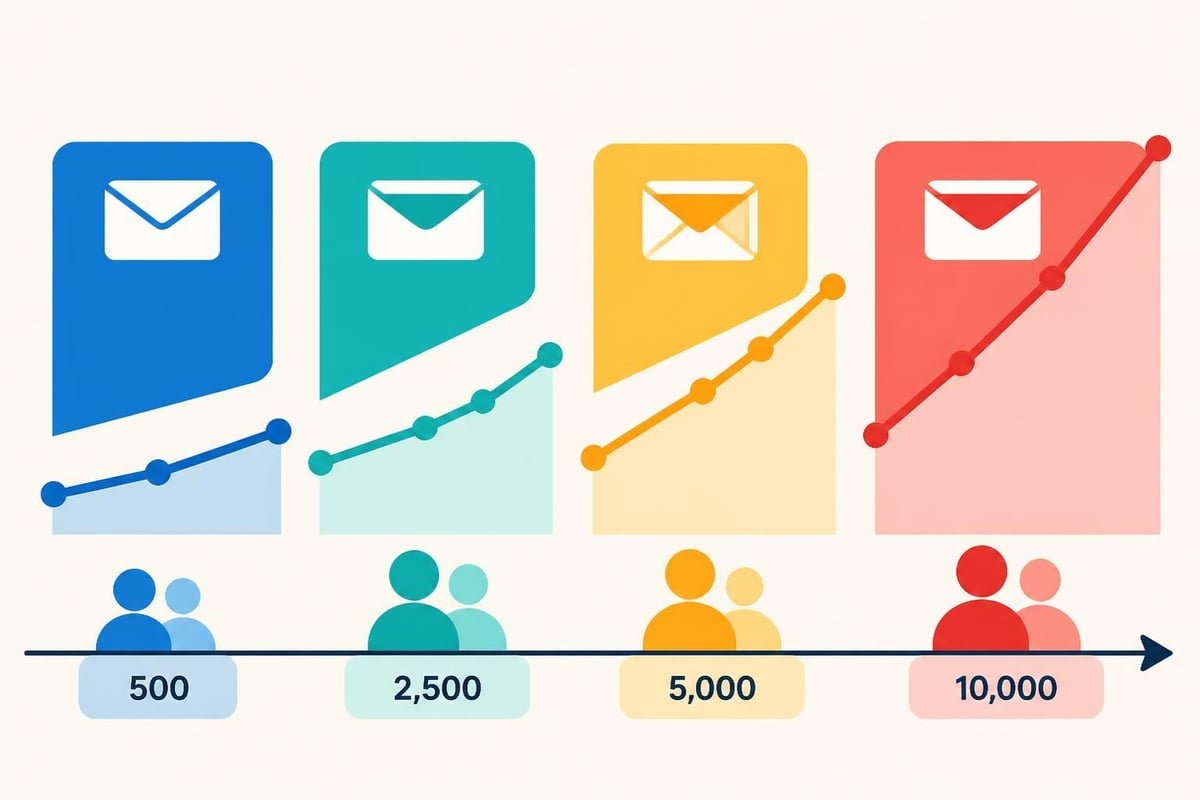
The moosend vs mailchimp pricing gap widens dramatically as your list grows. Mailchimp's per-contact costs increase exponentially, while Moosend maintains more predictable scaling. Businesses experiencing rapid subscriber growth find this difference material to their operating budgets.
Automation Capabilities and Workflow Design
Mailchimp restricts automation to Standard plans and above, meaning you'll pay at least $20 monthly before building your first automated sequence. Their Customer Journey Builder uses a visual canvas where you drag triggers, conditions, and actions into flowcharts. The interface feels polished but limits complexity on lower tiers, with advanced segmentation and multivariate paths reserved for Premium subscribers.
Moosend includes automation in every paid plan and even their free tier. Their workflow editor provides:
- Pre-built recipes for welcome series, abandoned cart recovery, and re-engagement campaigns
- Conditional splits based on opens, clicks, purchase behavior, and custom field data
- Time delays, A/B test branches, and goal-based exits
- Website activity tracking to trigger emails based on page visits or form submissions
The Moosend features page details their full automation toolkit, including AI-powered product recommendations and predictive sending times that adapt to individual subscriber behavior patterns.
Practical Automation Differences
When comparing moosend vs mailchimp for workflow complexity, consider your actual needs. An e-commerce brand running sophisticated cart abandonment sequences with product recommendations benefits from Moosend's no-limits approach at lower price points. A newsletter publisher sending weekly digests might find Mailchimp's simpler automation sufficient, though you're paying premium prices for features you won't fully utilize.
Moosend's transactional email capability (order confirmations, password resets, shipping updates) integrates directly into automation workflows without requiring separate services or API complexity. Mailchimp technically supports transactional emails through their Mandrill add-on, which ceased standalone sales in 2016 and now exists only as a Mailchimp add-on with separate pricing.
User Interface and Learning Curve
Mailchimp's interface has evolved considerably since its 2001 launch, adding layers of functionality that create both power and complexity. New users face a dashboard showcasing campaigns, automations, audiences, analytics, and increasingly, integrations with Mailchimp's expanding suite of marketing tools. The design prioritizes visual appeal and guided experiences, with tooltips and onboarding flows walking beginners through their first campaigns.
Moosend presents a cleaner, more focused interface that reflects its younger architecture (founded 2011). The dashboard emphasizes speed to execution: creating a campaign requires fewer clicks, and the drag-and-drop email editor loads faster with less template bloat. Users familiar with modern SaaS applications adapt quickly.
Email Editor Comparison
Both platforms offer drag-and-drop editors, but the experience differs:
Mailchimp's Editor:
- Extensive template library (100+ free designs, premium options available)
- Content Studio for asset management across campaigns
- Image editing tools built directly into the interface
- Creative Assistant suggesting design improvements based on brand assets
Moosend's Editor:
- Streamlined template selection (40+ responsive designs)
- Faster rendering and preview generation
- Simpler content blocks with fewer customization layers
- Direct HTML access without tier restrictions
Neither platform requires coding knowledge for standard campaigns, but Moosend provides immediate HTML/CSS control to all users, while Mailchimp gates code editing behind higher-tier subscriptions for some template types.
Deliverability Performance and Sender Reputation
Email deliverability determines whether your carefully crafted messages reach inboxes or vanish into spam folders. The moosend vs mailchimp comparison on delivery rates shows nuanced differences based on infrastructure and sender practices rather than dramatic performance gaps.
Mailchimp's size (12+ million users) creates both advantages and challenges. Their established IP reputation and relationships with major inbox providers (Gmail, Outlook, Yahoo) help authenticated senders. However, sharing IP pools with millions of other senders means your deliverability can suffer from neighbors' poor practices unless you upgrade to a dedicated IP (Premium tier only, $350+/month minimum).
Independent testing from EmailToolTester’s deliverability study shows industry-wide delivery rates hovering between 82-89% across major platforms, with specific results varying more by sender reputation, list hygiene, and authentication setup than by platform choice alone.
Deliverability Features Compared
- Authentication Support: Both platforms support SPF, DKIM, and DMARC records, though Moosend's setup documentation provides clearer step-by-step guidance for non-technical users
- List Cleaning: Mailchimp automatically removes hard bounces; Moosend offers similar automatic cleaning plus manual suppression list management
- Spam Testing: Mailchimp's Inbox Preview (Standard tier+) shows rendering across clients; Moosend includes spam score checking in all paid plans
- Dedicated IPs: Mailchimp requires Premium tier; Moosend offers dedicated IPs as add-ons at lower tiers for high-volume senders
The EmailToolTester Moosend review notes that smaller platforms like Moosend sometimes provide more responsive deliverability support because individual users represent larger percentages of their customer base. Mailchimp's support quality varies significantly by tier, with free and Essentials users limited to email support with slower response times.
Segmentation and Contact Management
Effective email marketing depends on sending relevant messages to specific audience segments. Both platforms approach contact organization differently, affecting how granularly you can target messages.
Mailchimp organizes contacts into Audiences (formerly Lists), with each Audience functioning as a separate entity. Creating segments within Audiences requires upgrading to Standard tier minimum. Tags provide unlimited categorization, but combining tags with behavioral data (purchase history, engagement levels, website activity) requires Premium subscriptions for advanced segment conditions.
Moosend uses a unified list structure where segments and custom fields create virtual divisions without data duplication. All paid tiers include:
- Unlimited custom fields for storing subscriber data
- Segment creation based on demographics, behavior, and custom field combinations
- Real-time segment updates as subscriber data changes
- Predictive segments using machine learning to identify likely converters or churners
Segmentation Use Cases
| Business Need | Mailchimp Approach | Moosend Approach | Tier Required |
|---|---|---|---|
| Basic demographic splits | Simple segment builder | Custom field filtering | Standard / Pro |
| Purchase history targeting | E-commerce integration + conditions | Custom field + automation | Standard / Pro |
| Engagement-based groups | Pre-built activity segments | Behavioral automation triggers | Standard / Pro |
| Predictive analytics | Customer Lifetime Value (Premium only) | AI-driven likelihood scoring | Premium / Pro |
When evaluating moosend vs mailchimp for contact management, consider how you'll actually use subscriber data. If your strategy involves simple newsletter sends to broad audiences, basic segmentation suffices on either platform. Social media growth professionals running coordinated campaigns across email and social channels need more sophisticated targeting available in Moosend's entry tiers or Mailchimp's expensive Premium plans.
Integration Ecosystem and API Access
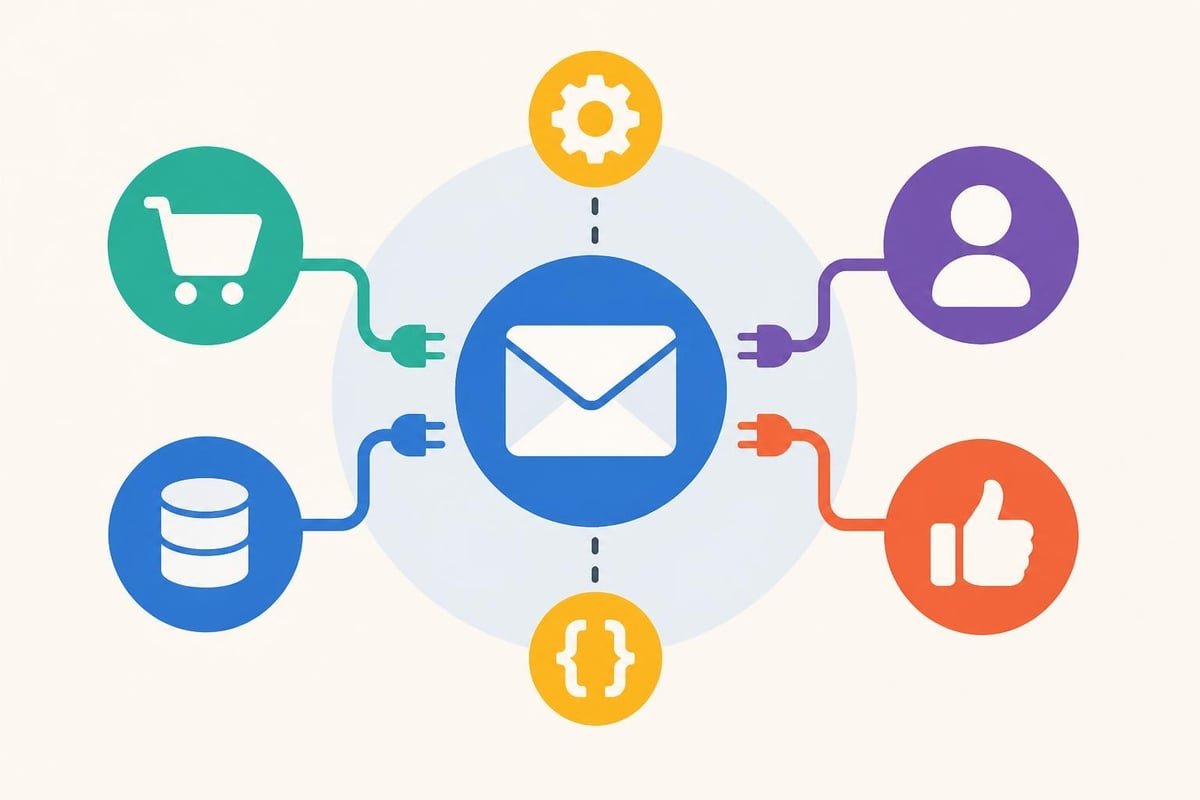
Mailchimp's marketplace lists 300+ direct integrations spanning e-commerce (Shopify, WooCommerce, BigCommerce), CRM systems (Salesforce, HubSpot), social platforms, analytics tools, and countless niche applications. This ecosystem represents Mailchimp's greatest structural advantage: whatever tool you're using likely has a pre-built Mailchimp connector.
Moosend offers approximately 100 native integrations focusing on high-value connections: major e-commerce platforms, popular landing page builders, webinar software, and CRM systems. Their API documentation provides extensive endpoints for custom integrations when pre-built options don't exist.
Key Integration Differences:
- E-commerce depth: Both connect to Shopify and WooCommerce; Mailchimp adds BigCommerce, Magento, and PrestaShop native integrations
- CRM connectivity: Moosend integrates Salesforce, Zoho, and Microsoft Dynamics; Mailchimp adds HubSpot and hundreds of smaller CRM tools
- Social media: Mailchimp directly connects Facebook, Instagram, and Google Ads for audience syncing; Moosend requires Zapier middleware for most social platforms
- API rate limits: Moosend imposes no tier-based API restrictions; Mailchimp limits API calls on lower tiers
The Campaign Monitor analysis highlights that integration quantity matters less than integration quality for specific use cases. A business running primarily on Shopify finds adequate connectors in both platforms, while an enterprise using proprietary systems values API flexibility and support responsiveness more than marketplace breadth.
Reporting and Analytics Depth
Mailchimp provides standard email metrics (open rates, click rates, bounces, unsubscribes) across all plans, with progressively deeper analytics at higher tiers. Standard plans add comparative reporting showing how current campaigns perform against your historical averages. Premium unlocks advanced analytics including multivariate testing results, revenue attribution, and customer lifetime value calculations.
Moosend includes comprehensive analytics in all paid tiers:
- Real-time campaign performance dashboards
- Geographic and device-based opens and clicks
- Hour-by-hour engagement heatmaps showing optimal send times
- Link click maps highlighting which content drives action
- Revenue tracking tied to specific campaigns and automation workflows
Analytics Features by Tier
Included in Moosend Pro ($9/mo starting):
- Click heatmaps and engagement timing
- Revenue per campaign and subscriber value
- Automated performance reports
- Custom date range comparisons
- Exportable raw data
Requires Mailchimp Standard ($20/mo minimum):
- Comparative reporting
- Advanced segmentation data
- A/B testing for send time and subject lines
Requires Mailchimp Premium ($350/mo minimum):
- Multivariate testing
- Purchase likelihood predictions
- Customer lifetime value tracking
- Advanced journey analytics
The moosend vs mailchimp analytics comparison shows Moosend delivering enterprise-grade reporting at entry-level prices, while Mailchimp gates meaningful business intelligence behind substantial monthly commitments.
Compliance and Data Protection
Both platforms maintain GDPR compliance and provide tools for managing subscriber consent and data rights. Mailchimp's Data Processing Addendum outlines their obligations as data processors, with detailed information available through their legal hub covering privacy policies, security practices, and regional compliance frameworks.
Moosend maintains similar GDPR compliance documentation and provides:
- Double opt-in confirmation workflows
- Automated unsubscribe processing
- Data export tools for subscriber information requests
- Data deletion capabilities meeting right-to-erasure requirements
- EU-based server options for data residency requirements
Neither platform offers significant compliance advantages over the other for typical business use. Enterprises with specific data residency requirements or industry compliance needs (HIPAA, financial services regulations) should verify specific certifications directly with each provider, as these often require custom agreements beyond standard service terms.
Support Channels and Resources
Mailchimp structures support access by subscription tier, creating frustration for users on lower plans:
- Free/Essentials: Email support only, 24-hour average response time
- Standard: Email and chat support during business hours
- Premium: Priority phone support, dedicated account manager, onboarding assistance
The knowledge base remains extensive across tiers, with detailed documentation, video tutorials, and community forums accessible to all users. However, when you encounter platform-specific issues requiring direct assistance, tier restrictions delay resolution.
Moosend provides email and live chat support to all paid subscribers regardless of plan level. Phone support operates through callback scheduling rather than direct dial-in. Response times average under 4 hours for chat inquiries during European and American business hours.
Documentation Quality
Both platforms maintain comprehensive help centers. Mailchimp's documentation benefits from years of iteration and user feedback, covering edge cases and integration troubleshooting extensively. Moosend's docs focus on core functionality with clear step-by-step guides that newer users often find more approachable than Mailchimp's sometimes overwhelming detail.
Third-party resources matter when evaluating platforms. TechRadar’s email marketing roundup and similar independent reviews provide troubleshooting insights and use-case guidance beyond official documentation.
Platform Stability and Future Outlook
Mailchimp's 2021 acquisition by Intuit for $12 billion brought enterprise resources and strategic integration with QuickBooks, TurboTax, and Mint. This corporate backing ensures platform longevity and continued development, though some users report feature bloat and interface changes that prioritize Intuit's ecosystem over standalone email marketing efficiency.
Moosend operates independently with backing from Sендinblue's parent company (acquired 2022), providing stability while maintaining focus on core email marketing functionality without pressure to become an all-in-one marketing suite. Development velocity remains high, with monthly feature releases addressing user requests.
Neither platform faces near-term viability concerns, but their trajectories differ. Mailchimp increasingly positions as an all-in-one marketing platform competing with HubSpot and Salesforce Marketing Cloud. Moosend maintains laser focus on email marketing excellence at accessible prices, resisting feature creep that dilutes user experience.
Migration Considerations and Switching Costs
Moving between email platforms involves technical effort and temporary disruption. Both platforms provide import tools accepting CSV files and direct migrations from major competitors.
Migration Checklist:
- List Export: Download complete subscriber data including custom fields, tags, and subscription dates
- Template Recreation: Neither platform provides automated template conversion; rebuild or simplify designs
- Automation Reconstruction: Document existing workflows and rebuild in new platform (no automated transfer exists)
- Integration Reconnection: Reauthorize e-commerce, CRM, and third-party tool connections
- Domain Authentication: Update SPF, DKIM records to maintain deliverability during transition
- Historical Data: Plan for analytics history loss (most platforms don't migrate historical metrics)
The moosend vs mailchimp switching decision often hinges on whether migration effort justifies potential savings. A business spending $200 monthly on Mailchimp Standard could reduce costs 60-70% by moving to Moosend, recouping migration effort investment within 2-3 months through savings alone.
For organizations running sophisticated automation workflows or relying heavily on Mailchimp-specific integrations, switching costs multiply. Map dependencies completely before committing to platform changes, and consider running parallel campaigns during transition periods to minimize risk.
Choosing Based on Business Stage and Goals
Your ideal platform depends less on feature checklists and more on how you actually use email marketing within your broader growth strategy:
Choose Mailchimp if you:
- Need extensive integrations with niche tools beyond standard e-commerce and CRM platforms
- Value brand recognition and established infrastructure over cost efficiency
- Already use Intuit products (QuickBooks, TurboTax) and want unified business management
- Require phone support and dedicated account management (prepared to pay Premium pricing)
- Send primarily simple newsletters without complex automation needs
Choose Moosend if you:
- Prioritize cost efficiency and transparent pricing that scales predictably
- Need full automation and analytics capabilities without tier restrictions
- Want faster implementation with simpler interface and focused feature set
- Value responsive support across all subscription levels
- Plan to grow subscriber lists rapidly without exponential cost increases
The moosend vs mailchimp decision rarely produces a universal winner. Content creators building initial audiences often start with free tiers, then migrate to whichever paid platform aligns better with their actual usage patterns after 3-6 months of data collection. E-commerce businesses frequently prioritize automation sophistication and revenue attribution, making Moosend's included features at lower price points particularly attractive. Established brands sometimes maintain Mailchimp despite higher costs because switching risks temporarily disrupting working systems.
Both Mailchimp and Moosend deliver reliable email marketing capabilities, with the right choice depending on your specific budget, technical needs, and growth trajectory. Just as email marketing builds audience relationships over time, growing your social media presence requires choosing providers that match your platform goals and quality standards. Compare social media growth services to find the right balance of pricing, delivery speed, and platform coverage for building authentic engagement across Instagram, YouTube, TikTok, and other channels where your audience connects.